RideLink TH

RideLink TH for Zontes 150X

Android Auto on your motorcycle display

Use maps and music with Android Auto, or switch to a live dashboard theme on your TFT display.

Android only (Android 10 or later) · Using 0.2.9? Read before updating

See Android Auto in action

A simulation of the setup in RideLink TH

Setup guide

Try the live dashboard

Swipe or drag to change themes. Select the center preview to enlarge it.

Simulated readings

Live dashboard view
Select a thumbnail to change the theme, or open ⋯ to adjust the display.
⋯

Customize the live dashboard

Displayed readings

Get started

  1. 1. Install the app

    Download RideLink TH 0.2.11 r4, open the file ending in r4.apk on your Android phone, and wait for installation to finish.

  2. 2. Set up Android Auto

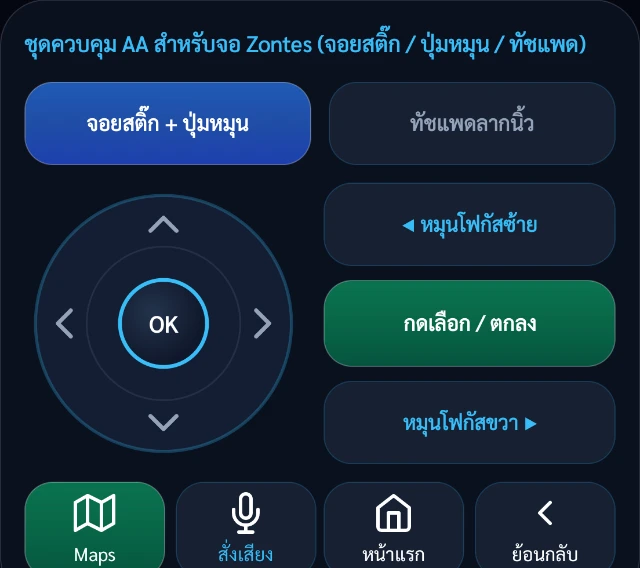
    Follow the instructions in the app to start the head unit.

  3. 3. Connect to the motorcycle display

    Scan the QR code on the display, then start the connection.

Updating from 0.2.9 Version 0.2.11 uses a different signing key. Uninstall 0.2.9 before installing the update. Uninstalling may remove app data and settings, so note anything you need to keep first.

Release notes and SHA-256 for 0.2.11 r4

Equipment and accessories

Other accessories